Tuesday, 6 January 2015

Auxillary Task: Website - Homepage

Today I continued with editing my website for Hattie Chadwick, I had already started and done the basics so now all I have to do is adjust each page to make sure they are perfect.

This is my home page, unfortunately it doesn't quite fit on the screen so you have to scroll down to see the bottom :

I have managed to place it so you can see the whole home page, there isn't the gap at the bottom its just so the scale was the same and they would stitch together properly. As you can see I have gone for an autumnal background, this is because there is a flash back in my music video where they are in a park during autumn and leaves are dominant during those clips. My main image focus is on the magazine advert which is advertising the music video in a release show. Again this fits in with the autumnal background rather well. There is the quote 'Bring Music To Life' throughout this page as this is Hattie's slogan and we want to make this known. Towards the bottom of the page there are 3 photos from festivals as though Hattie has been performing at them and her photographer has taken these photos. 
Finally at the bottom of the page you have a bar along the bottom, this includes Hattie's name, slogan, logo and booking information along with the different social medias you can reach Hattie on. 
Overall I like this as a homepage, however when viewing on a Mac such as the ones in the media room, the sides feel very empty. However when looking at it on my laptop the scale ratio seems perfect so I am not sure what to do about this. 

Audience Research Analysis

After having to wait a long time for enough responses, I am finally able to analyse the research I have gathered, after a lot of pestering friends to help me out! Here are the results I gathered from my survey that I created using Survey Monkey. I wanted to find out what sort of music people our age listen to, how they listen to it and how often; this is so I know how the best way to market and adverise our video is towards our target audience.

There were a few mixed opinions and the repsonses were much more diverse than I first thought they would be. Especially the range of genre of music that people listen to. Also, the difference in the types of all time favourite videos shocked me too as I thought many of them would be modern videos but I had artists such as Fleetwood Mac, Queen and Michael Jackson in there.


Thursday, 11 December 2014

Auxillary Task: Draft Advert

Today I experimented with photoshop and created a draft magazine advert, I am planning to get some audience feedback on it to see how many people like it and what to change

Friday, 5 December 2014

Draft: Demons - A2 Media

Brief show of what I have done so far, I know its not finished yet, however I have completed over half of it now!

Take a look below, any feedback is more than welcome :D

Photoshop Lesson

In today's lesson we spent time looking at how to use photoshop and develop our skills in the programme in order to produce our auxillary tasks. I have chosen to use a website and a poster as my two tasks. Therefore, photoshop would be a big part of the tasks.

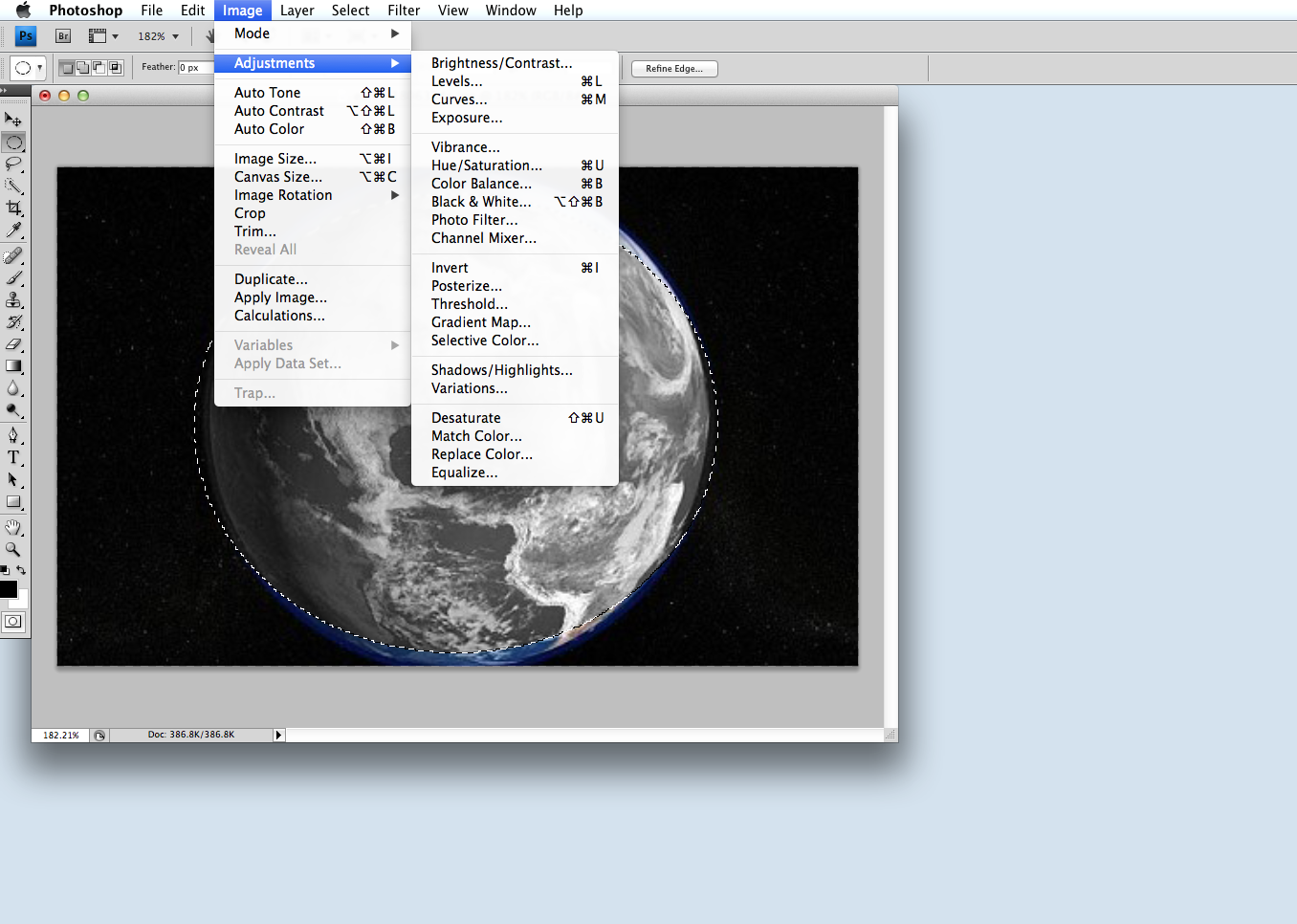
I started off by taking a simple image of the earth and inserting it into photoshop.
After I had done this, I started to play with some of the tools and found thing such as the rectangular marquee tool and the lassoo tool. These meant that I could cut around the shape of the earth, without having the black backround in it. Using photoshop also meant that I could zoom right into the edges of the earth and not miss any of the edge out. I also found the lassoo tool helpful in keeping everything one shape and being able to add bits in when I had gone wrong.

Another tool I found useful, paticularly for this image, was the eliptical marquee t
ool. This meant that I could draw circles around circular objects and move the cut out to position them in the right place. This was very helpful bearing in mind the earth is round, and I only wanted the picture of the earth.


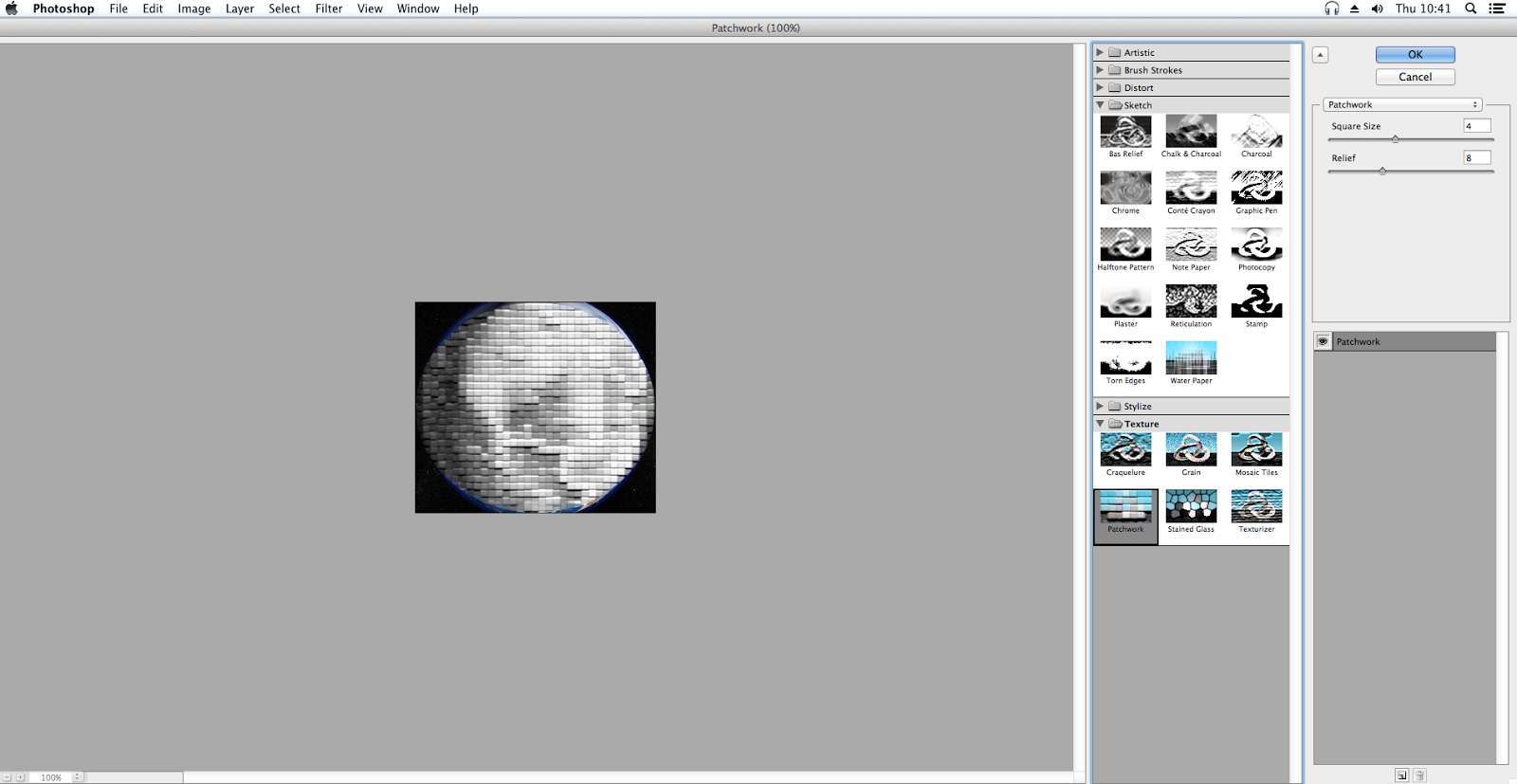
The next tools I started to play around with were the adjustments, I found that there were so many options that I could use, such as artistic, brush strokes, distortion, sketch and texture. These all gave different effects and could be used if I wanted to really change my image. I chose to use the patchwork option under texture as a test. I also changed the colour of my image to black and white.

Overall, I found the photoshop lesson to be really useful in developing my skills and I have started to put them to use with both of my auxillary taaks.

Below is a picture of some of the images that I created using photoshop.


Tuesday, 2 December 2014

Analysis: Past Students Work

Update on Filming:

As we found out the deadline for out draft edit is in for this friday, we started to panic as we hadn't managed to finish filming D: however tonight we plan to film all of the piano scenes which makes up a large portion of our music video. After this we will only have a small section to film and hopefully we'll do this at the weekend :)